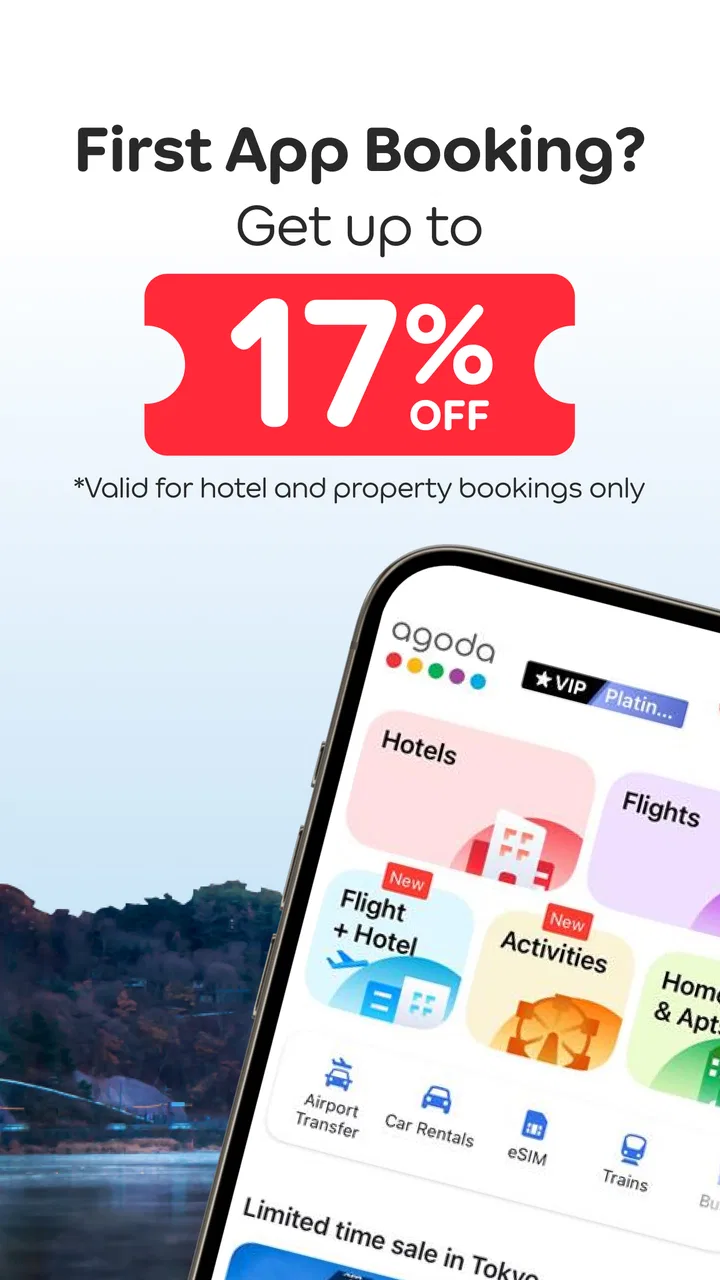
Agoda: Cheap Flights & Hotels
- 4.5
- Rating
- 100.00M
- Installs
- Free
- Price

 Analysis by App-foxy
I use Agoda when I want to compare accommodation and flights in one travel-focused app without building a trip from several unrelated tools. It is a free Travel & Local app from agoda.com, aimed at everyone, and its large inventory makes it especially useful when I am flexible about where I stay or when I want to check several destinations quickly. My experience is that it works best as a comparison and booking workspace, not as a complete replacement for every travel service.
The first thing I noticed is how quickly the app moves me from a vague idea to a usable shortlist. I can begin with a city, airport, or property search, set dates, choose the number of guests, and then narrow the results instead of opening listings at random. That basic flow sounds ordinary, but it matters on a phone, where a cluttered search process can make a simple weekend plan feel like paperwork.
My main recommendation is to treat Agoda as a decision tool rather than a button you press for the first acceptable room. The useful work happens in the filters, map view, cancellation details, room conditions, and final review of what is actually included. If I take that extra minute, the app becomes much more dependable for comparing realistic options.
You May Also Like

 AccuWeather: Weather Radar
AccuWeather Review: A Quick, Clear Forecast for Everyday Decisions
For everyday plans, the best forecast is the one you can understand quickly. AccuWeather makes rain timing, radar, and local conditions easy to act on, with a few trade-offs.

 Hill Climb Racing
Why Hill Climb Racing Still Turns Crashes Into One More Run
A tiny car, a bumpy hill and one more upgrade: Hill Climb Racing keeps resurfacing because its simple chaos makes every near-miss feel personal.

 AliExpress - Shopping App
AliExpress Makes Global Shopping Feel Personal, but Shoppers Bear the Risk
AliExpress turns a global marketplace into a pocket-sized discovery engine. Its reach is useful, its shopping loop compelling, and its trade-offs easy to miss.

 Lords Mobile: Kingdom Wars
Lords Mobile Is a Kingdom-Building Routine, Not a Quick Match
A case-by-case verdict on the building, battles, device demands, and social commitments that make Lords Mobile rewarding for some players and exhausting for others.

 PDF Scanner app - TapScanner
TapScanner Makes Paperwork Easier to Capture, Check, and Share
TapScanner makes scanning with a phone feel less like a rescue operation and more like a dependable step in getting work done. Its capture tools are useful, though not flawless.

 Block Blast!
Block Blast! Shows How Much a Puzzle Game Can Leave Out
A quiet grid game shows why puzzle players increasingly value instant clarity, repeatable skill and low-pressure play—and where the genre still needs to catch up.
More From Our News Desk
View All News


How I use Agoda from the first search to the final booking
I start by setting the destination, dates, and guest count carefully, then compare a manageable shortlist rather than chasing every result. From there, I check the map and room-specific terms before moving toward a booking, so this section follows the decisions that matter at each stage. My next focus is what to review when a search or booking flow feels less straightforward than expected.
A practical starting workflow for hotels
For a normal hotel search, I start with the destination and dates before thinking about a specific property. I then check the results in two ways: first as a list to compare prices and room descriptions, and then on the map to understand whether the apparently cheap choices are actually convenient. A low nightly rate can lose its appeal if the property is far from the area I need, so the map is more useful to me than simply sorting from cheapest to most expensive.
I also read the room-level information instead of stopping at the property headline. Two rooms in the same hotel may differ in cancellation terms, breakfast, bed arrangement, or payment timing. The cheapest visible option is not automatically the best value if changing plans would be expensive or if an important inclusion applies only to another room type.
When I find a promising property, I look through the photos, facilities, guest comments, and location information together. Each part answers a different question. Photos show the general condition, reviews reveal recurring annoyances, facilities tell me whether the place fits my routine, and the map helps me judge the surrounding area. I avoid making a decision from a single impressive image or a single enthusiastic comment.
One habit that saves me time is creating a small shortlist before booking. I compare a few realistic candidates with the same dates and guest count, then return to the final two or three rather than repeatedly searching the entire destination. This is particularly helpful in busy areas, where changing one filter can reshuffle the results and make it difficult to remember why a property looked attractive earlier.
Using the flight search without losing the hotel context
The flight section is useful when I am still shaping the trip. I can check available routes and deals while keeping the destination in mind, which is more convenient than deciding on accommodation first and discovering later that the flight schedule is awkward. I pay close attention to departure times, arrival dates, stops, and airport names because a low fare may involve a much less practical itinerary.
I do not assume that the first flight result is the cheapest complete journey. I compare the total itinerary, not only the displayed starting fare, and I check the details before moving forward. For a short break, an inconvenient connection can consume enough time to cancel out the saving. For a longer trip, the lower fare may be worthwhile if the schedule and baggage arrangements suit me.
The app is strongest when I use it for discovery and comparison across several possibilities. If I already know the exact flight number or have a complicated multi-city plan, I may prefer a specialist flight tool or the airline’s own app for the final operational details. Agoda remains useful in that situation for checking accommodation around the arrival airport or destination, but it is not always my only travel screen.
What I check before confirming a room
Before I confirm, I review the dates, number of guests, room type, cancellation wording, payment timing, and included services. I also check the property name and address one more time. This sounds cautious, but mobile booking makes it easy to tap through a room variant without noticing that its conditions differ from the one I originally viewed.
I take screenshots or save the confirmation information in a place I can access while travelling. I do this because a booking reference is more useful when it is available even if I am tired, offline, or switching between airport Wi-Fi and mobile data. The app can organize the booking, but I still prefer keeping the essential details easy to retrieve outside the search process.
Settings and filters that deserve attention
The most valuable controls are the practical ones: dates, guests, price range, property type, location, facilities, and cancellation conditions where available. I use them in stages. First I remove options that clearly do not fit, then I apply more specific preferences. Applying every filter at once can hide reasonable alternatives, especially when a destination has limited inventory.
Location deserves special care. A district name may cover a large area, and a property that appears close on a broad city search may not be close to the station, beach, venue, or business address I actually need. I search around the relevant landmark when possible and use the map as a reality check. For an early flight, I search with the airport transfer in mind rather than assuming the city centre is the most convenient base.
Facilities are also easy to overvalue. I filter for the features that would genuinely change my stay, such as a kitchen, parking, or a particular type of access, but I do not treat a long facilities list as proof of quality. I still read the description and recent guest feedback because a listed facility may have conditions or limited availability that matter in practice.
Notifications and account preferences are worth reviewing so the app does not become noisy during a trip. I want booking updates and important reminders, but I do not need every promotional message. Keeping travel-related communication visible while reducing distractions makes it easier to find the information that matters when I am moving between places.
Because the app is free, I can install it without adding another purchase to the travel budget. It has an Everyone content rating, which makes it accessible to a broad audience, although parents and children should still handle payment and booking decisions responsibly. The current version is 14.7.0 and requires at least OS 8.1, so I check compatibility before relying on it for an upcoming journey.
Faster patterns for repeat searches
Experienced use is mostly about repeating a good process. I keep the destination, dates, and guest count accurate before experimenting with filters. If I am flexible, I search nearby dates or neighbouring areas separately instead of mentally comparing mismatched results. This prevents the common mistake of choosing a room because it is cheap on dates that do not actually work.
I also separate “must have” requirements from “nice to have” preferences. A private bathroom, a location near public transport, or a room suitable for two adults may be essential. A particular view or extra facility may not be. By filtering the essentials first, I avoid excluding a well-suited property just because it lacks a minor preference.
Another useful pattern is to compare the same property under different room conditions. I look at whether a flexible option is worth the additional cost for my circumstances. If my plans are fixed, a stricter rate may make sense; if transport or work arrangements are uncertain, paying more for flexibility can be the more sensible trade-off. The app helps expose those choices, but I have to make the judgement myself.
For a realistic everyday example, imagine I need one night near an airport after a late arrival. I would search the airport area, set the correct arrival date, check the latest practical transport route, and compare the total convenience of nearby properties rather than choosing the lowest room price. I would then verify check-in information, cancellation conditions, and whether the room suits the number of travellers. That workflow is faster and safer than searching for a cheap city hotel first and solving the airport problem afterward.
Where Agoda is genuinely useful
The app is a strong fit for travellers who compare several hotels, change destinations during planning, or want to look at accommodation and flights in the same place. Its scale is a major reason: Agoda lets users search rooms at more than four million properties worldwide, which gives flexible travellers plenty of room to explore different neighbourhoods and property styles.
It is also useful for people who do not want to phone hotels one by one. I can inspect several options at my own pace, compare room conditions, and return to a shortlist. For a spontaneous city break, that convenience is meaningful. For a family trip, the ability to search with the correct guest count and inspect room arrangements can reduce unpleasant surprises.
The app’s popularity also gives me confidence that it is a mature travel product rather than a niche experiment. It has passed one hundred million installs, with an average rating of 4.6 from around two million ratings. Those figures do not guarantee that every booking will be smooth, but they indicate that many people use it as part of their travel routine.
Important limits and when I choose another option
I would not use Agoda blindly for every booking. Aggregated listings can require careful reading, and the app cannot remove the differences between individual properties. A hotel may look excellent in search results while its exact room conditions, location, or cancellation rules are less suitable for my trip. The responsibility still sits with me to inspect the final details.
I am also cautious when a trip has unusual requirements. Complex group arrangements, special accessibility needs, long stays with negotiated terms, or a booking that depends on a very specific property policy may be better handled directly with the accommodation. A direct conversation can sometimes clarify a question faster than comparing several listing pages, although it may sacrifice the convenience of a single search interface.
For flights, I prefer to double-check the itinerary and then keep the airline’s own app or website available for operational updates. Agoda can help me find and compare travel options, but the airline remains the place I would expect to manage flight-specific changes most directly. This is not a criticism of the hotel search; it is simply a sensible division of responsibilities.
Travellers who want a narrow, highly curated hotel selection may also prefer a specialist service. Agoda’s breadth is valuable when I want choice, but breadth can mean more time spent filtering and reading. If I already know the exact hotel and only need a direct reservation, using the property’s own channel may be simpler.
My final view after using the full workflow
Agoda is best for people who want broad choice and are willing to make an informed comparison. I like the way it supports the whole early planning stage: search a destination, test different dates, compare neighbourhoods, inspect room conditions, and check flights before committing. The free price makes it easy to keep installed even if I only use it during occasional trips.
Its strongest quality is not merely the number of listings. It is the combination of a broad search with practical controls that let me turn an overwhelming destination into a manageable shortlist. The best results come when I use the map, read the room-level terms, compare flexible and strict options, and confirm every detail before payment.
I would skip it as my only travel tool if I needed highly specialized flight management, direct negotiation with a property, or a very curated selection with minimal comparison. I would also avoid rushing through the booking flow simply because a result looks cheap. Agoda rewards careful use more than impulsive tapping.
Overall, I recommend it to friends who regularly compare hotels, plan trips around changing dates, or want flight and accommodation discovery together. The developer, agoda.com, has built an app with enough reach for international planning and enough filtering depth for everyday decisions. With a repeatable search habit and a final details check, it becomes a practical companion rather than just another booking app on my phone.
FAQs for Agoda: Cheap Flights & Hotels
01What features does Agoda offer for booking flights and hotels?
Agoda provides a comprehensive platform for booking both flights and hotels, offering competitive pricing and exclusive deals. Users can filter search results by price, location, and amenities to find the ideal accommodation or flight. The app also includes detailed reviews and ratings to help users make informed decisions.
02How user-friendly is the Agoda app for first-time users?
The Agoda app is designed with a clean and intuitive interface, making it easy for first-time users to navigate. Its straightforward booking process, combined with clear instructions and helpful tips, ensures a seamless experience. Additionally, the app supports multiple languages and currencies, enhancing accessibility for a global audience.
03Does Agoda offer any rewards or loyalty programs?
Yes, Agoda offers a rewards program called AgodaCash, where users can earn cashback on bookings that can be used for future stays. There are also special deals and discounts available for members. Frequent travelers will find these rewards beneficial, offering potential savings on future bookings.
04Is customer support readily available through the Agoda app?
Agoda provides robust customer support through its app, including live chat, email, and phone support. Users can access assistance 24/7 for booking inquiries, cancellations, or any issues encountered. The app also includes a detailed help section with FAQs for quick problem resolution.
05What are the pros and cons of using Agoda for travel bookings?
Pros of using Agoda include a wide selection of accommodations and flights, competitive prices, and user-friendly features. However, some users have reported occasional discrepancies in booking confirmations and customer service delays. It's advisable to double-check details before finalizing any booking.
Pros
- User-friendly interface for quick bookings
- Comprehensive filter options for results
- 24/7 customer service available in-app
- Exclusive deals and discounts offered
- Multi-language support enhances accessibility
Cons
- Inconsistent pricing updates
- Occasional app crashes reported
- Limited local accommodation options
- High data usage during searches
- Some features require internet access

Agoda: Cheap Flights & Hotels
Gallery